AI nutrition tracking for calories and macros
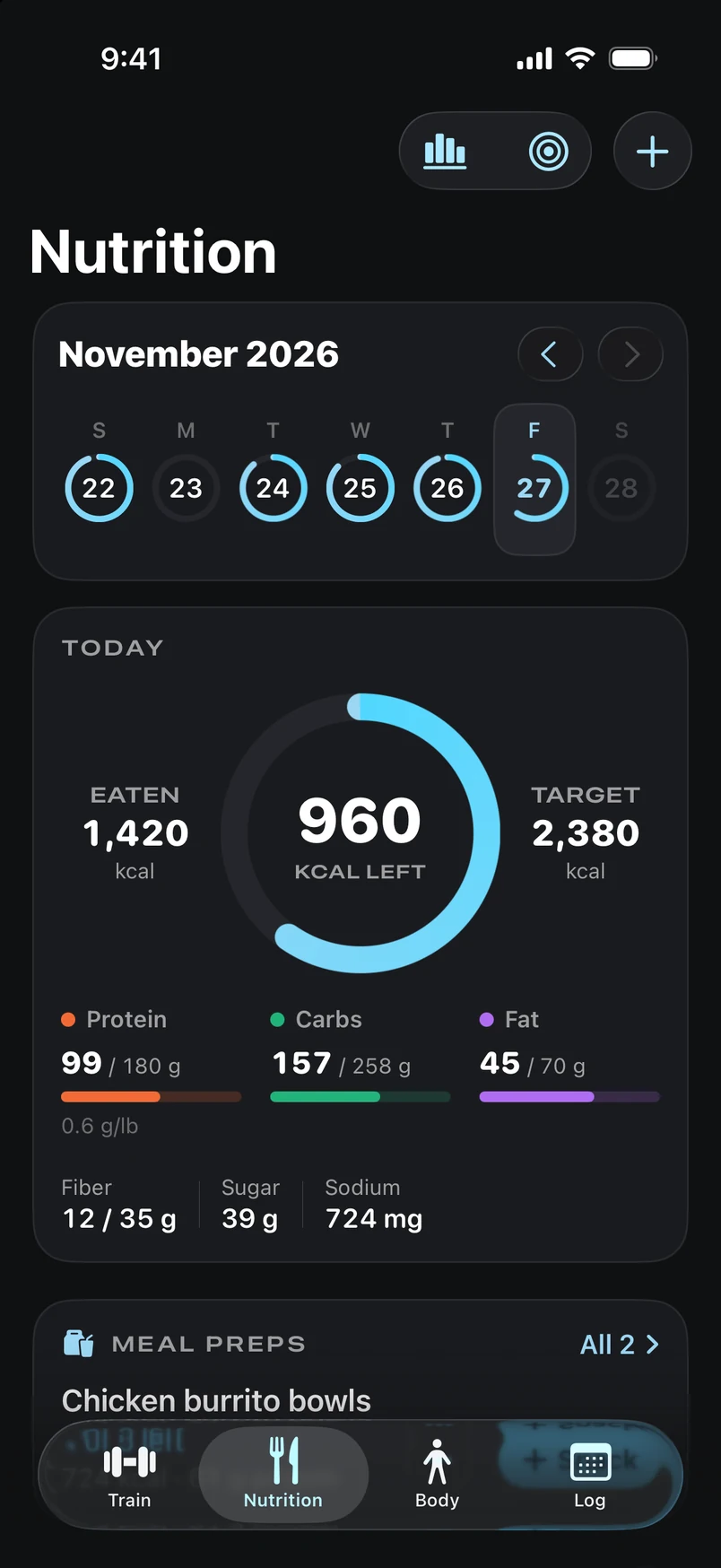
Two Plates is an iPhone nutrition tracker that logs meals, calories, protein, carbs, and fat. Connect an AI assistant to ask questions about your food log or add meals from chat.
What can I do with my food log in chat?
- Review daily calories and macros or compare logged days with your targets.
- Describe a meal with its portions and nutrition values, then ask the assistant to log it.
- Ask the assistant to log a portion of a saved meal prep, such as a lunch you make in batches.
Adding or editing a meal requires a connector that can write to Two Plates.
Try a nutrition prompt
Review my Two Plates food log for the past seven days. On the days I logged meals, how did my protein and calories compare with my targets?
Log one portion of my saved chicken and rice meal prep for lunch today.
How do I connect a nutrition tracker to AI?
In Two Plates, open My Plan, then AI Connection. Sign in with Apple and choose Setup + strength or Full training log to share nutrition data. Then add Two Plates to Claude, ChatGPT, Gemini, or Grok and approve the connection. Open Two Plates to sync your food log and any changes made in chat.
Can I track food and workouts in the same app?
Yes. Two Plates keeps your meal log, macro targets, and strength training in one iPhone app. You can log meals, reuse meal prep portions, and follow your workout program directly in the app.